
How EPSS 3.0 is an improvement over previous versions of the threat assessment system
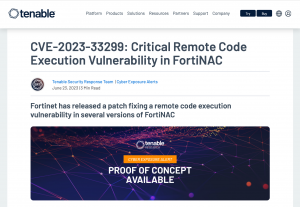
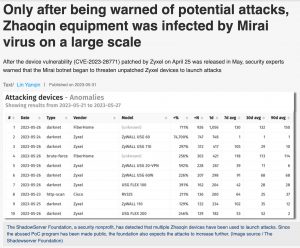
The third iteration of the Exploit Prediction Scoring System helps security teams prioritize vulnerabilities through prediction. In late 2022, we compared the Exploit Prediction Scoring System (EPSS) and the widely used Common Vulnerability Scoring System (CVSS). Now EPSS 3.0 brings a more comprehensive, efficient, and effective model to the industry looking to prioritize vulnerabilities that pose the greatest threat and offers a robust API and resource open for anyone to access and consume as part of their vulnerability management program. The introduction of the EPSS, which attempts to aid vulnerability prioritization efforts by providing a numerical score of how likely a vulnerability is to be exploited over the next 30-day window, has been a boon to security practitioners and organizations looking to improve their vulnerability management activities. EPSS utilizes a variety of sources when it comes to exploits, such as Fortiguard, Alienvault OTX, the Shadow Server Foundation, and GreyNoise, all of which utilize various techniques to identify exploitation attempts in digital environments around the globe.